
Small Discoveries: Flydigi Vader 5 Pro Review

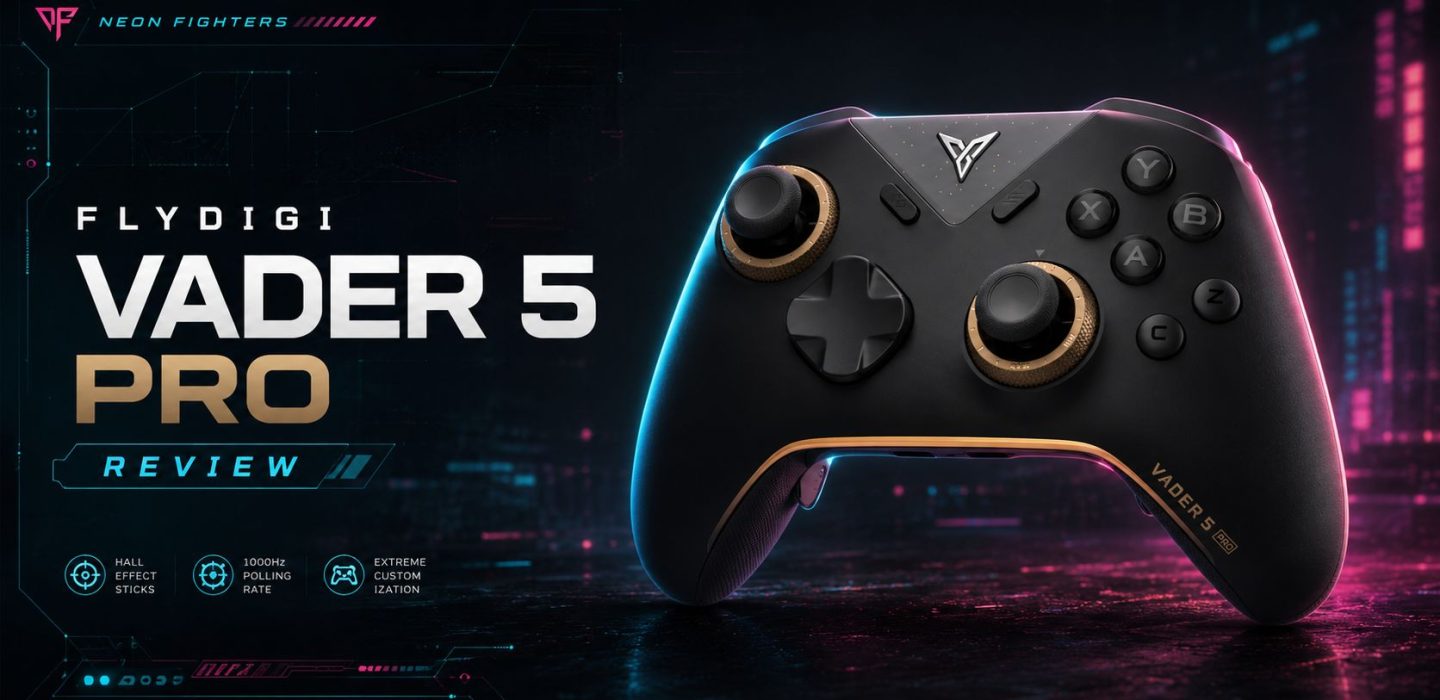
While looking for a new controller to use mainly with fighting games, I also started browsing AliExpress. That is where I came across the Flydigi Vader 5 Pro, a model I had never heard of before and one that, at least on paper, offered a surprisingly strong set of features for its price range.
The six face buttons on the right side vaguely reminded me of the Fighting Commander OCTA. That resemblance caught my attention and convinced me to buy the controller and test it for myself. Let’s have a look at design, build quality, software, features and real-world performance, and I’ll be keeping official specifications separate from my own impressions.
First impressions
The controller looks exactly as it does in the product photos. The box includes a 2.4 GHz USB dongle, a USB-A to USB-C charging cable, an instruction manual and a small promotional leaflet featuring other Flydigi products, including cooling accessories.
The packaging feels more premium than expected, and I was pleasantly surprised to find a printed manual inside, something that has become increasingly rare. It is available in several languages, including English, Chinese, Japanese and Russian, and it also includes a QR code for the digital version.
How it feels in the hands
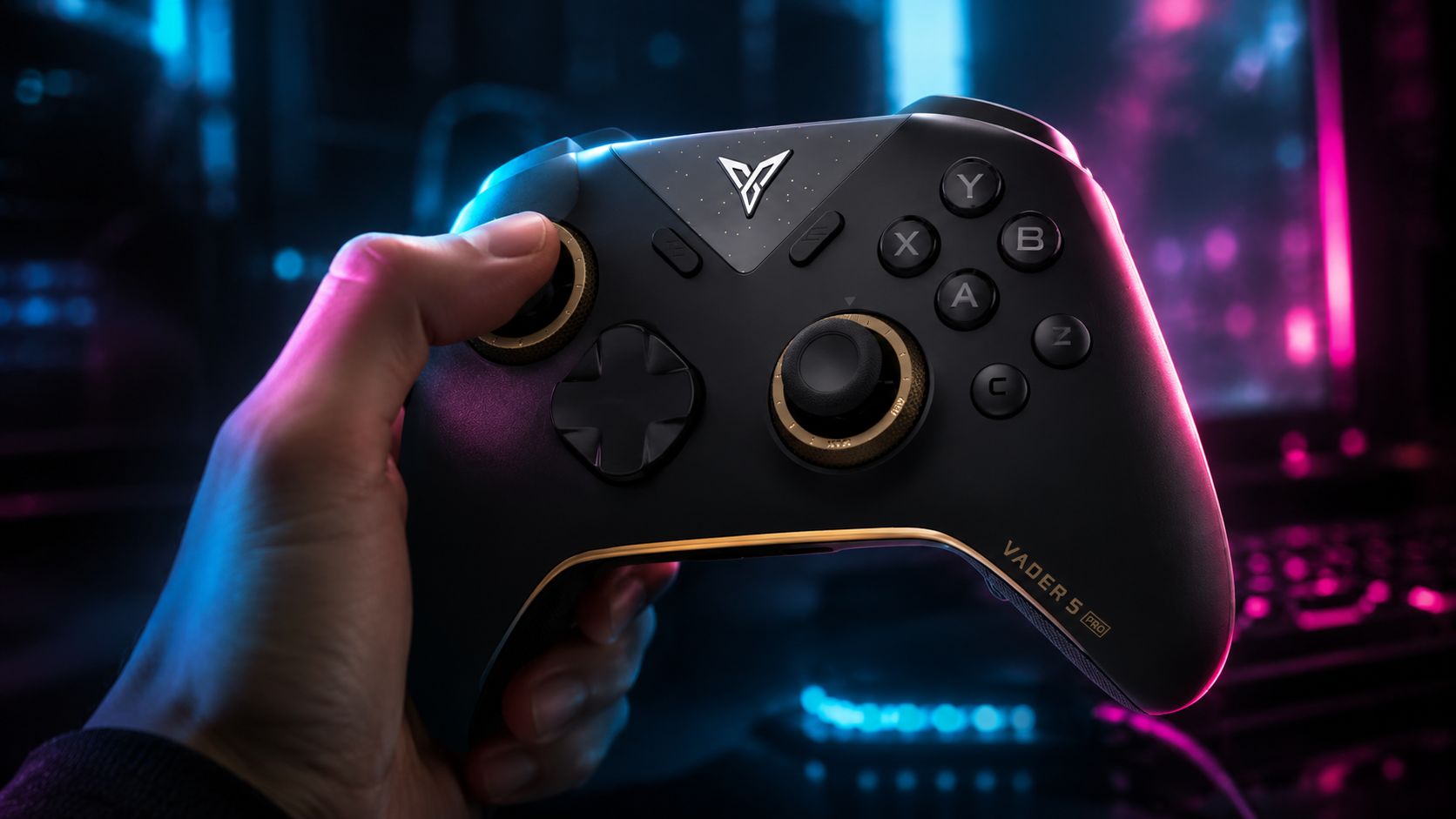
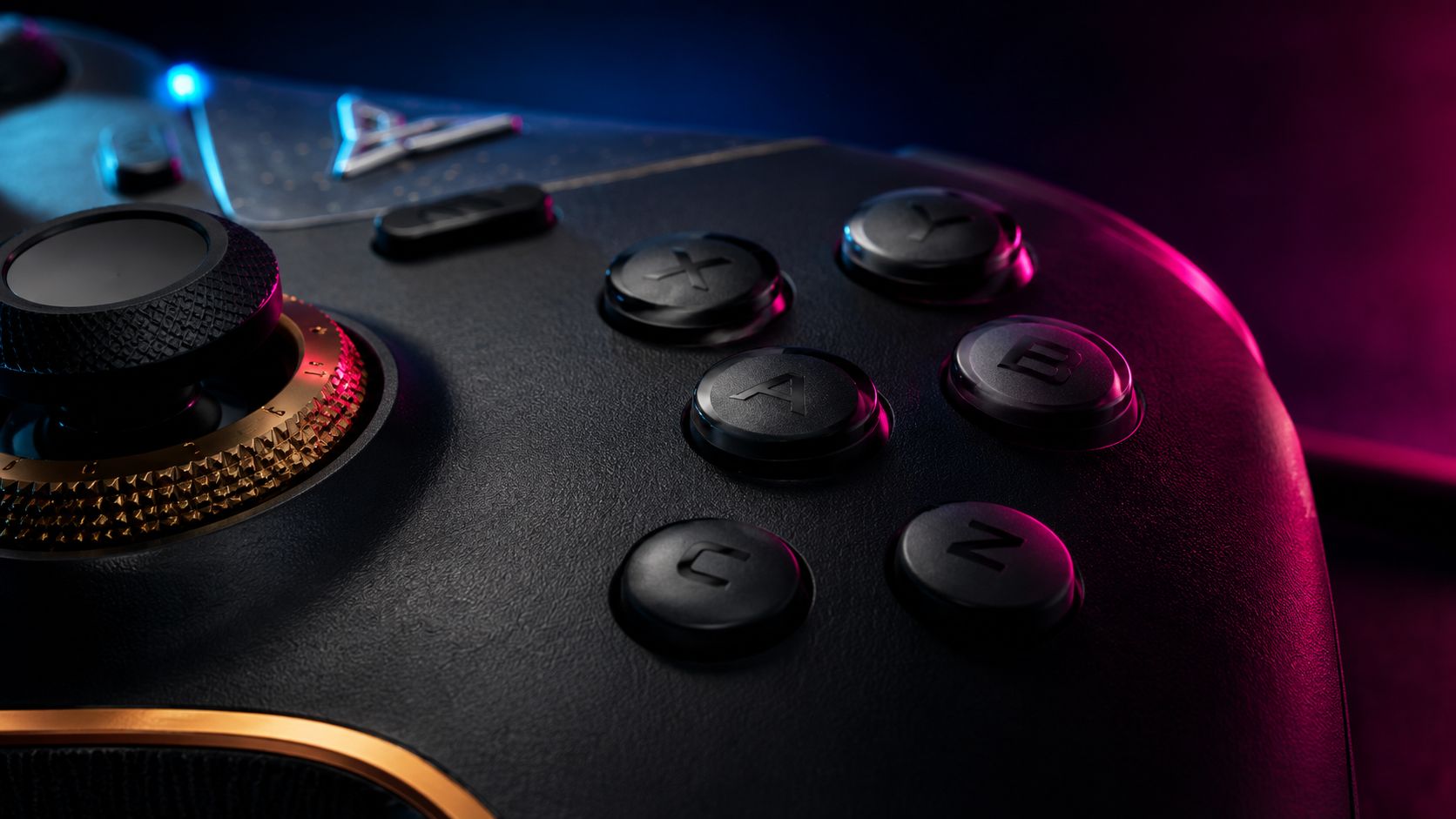
The Vader 5 Pro feels ergonomic and secure thanks to its non-slip grips and the TPE material around the edges of the analogue sticks. The black shell, combined with the dark brass-coloured stick tension rings, gives the controller a refined look without making it feel overly flashy.
Its basic layout follows the Xbox standard, with the left analogue stick positioned above the D-pad and the XYBA buttons on the right. Flydigi then adds two extra face buttons, C and Z, arranged vertically. There are also two buttons between the triggers, labelled LM and RM, two rear buttons, M1 and M2, and two lower rear paddles, M3 and M4.
Setup and software
Setup requires almost no effort. I connected the proprietary USB dongle and the controller was recognised within seconds. Flydigi also provides a companion app that can be installed in a few clicks.
The software allows you to remap the additional buttons, adjust vibration, change the LED colour, fine-tune the analogue sticks, configure gyro mapping and save everything to multiple profiles. Those profiles can then be switched directly from the controller with a quick button combination.
My only real complaint is that some parts of the interface remain in Chinese even in version 4.0, which was the latest version available during my test. It is not a major obstacle, since the unclear sections can usually be understood with a translation tool, but the software would benefit from a fully consistent English localisation.
Flydigi Vader 5 Pro specifications and key features
This is where the controller becomes particularly interesting.
2.4 GHz wireless connection
The included 2.4 GHz dongle provides a wireless connection that is generally more stable and lower-latency than conventional Bluetooth.
Mechanical face buttons
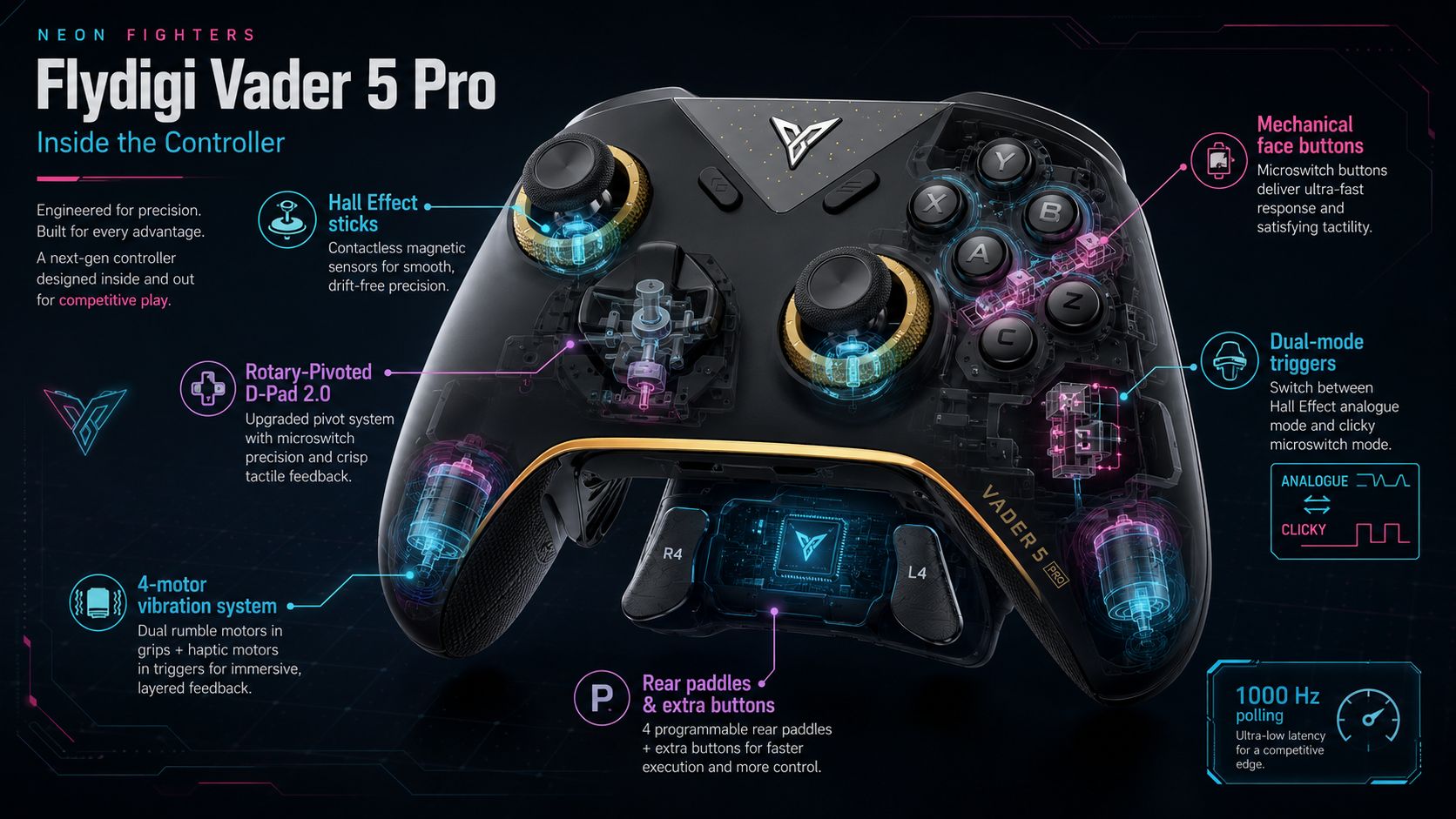
The XYBA buttons, together with the additional C and Z buttons, use fully mechanical switches. Instead of the conductive rubber membranes found in most standard controllers, they rely on microswitches similar to those used in gaming mice and mechanical keyboards. The result is a shorter actuation distance and a much faster return.
FORCEFLEX™ adjustable analogue sticks
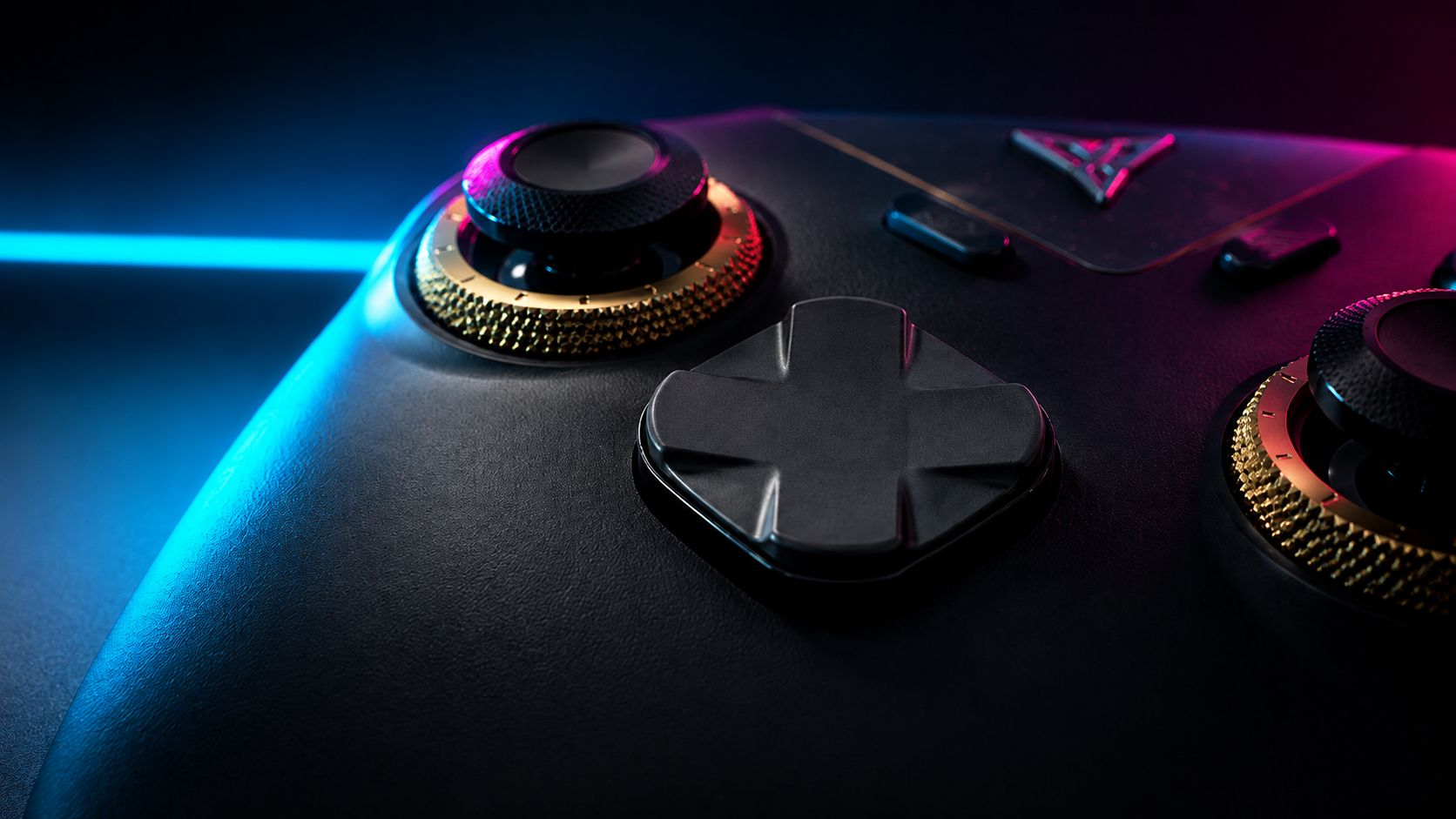
The patented FORCEFLEX™ analogue sticks include physical rotating rings that let the player manually adjust resistance from 40 gf to 100 gf. This can be particularly useful in racing games and shooters, where different levels of tension may help with smooth steering or precise aiming.
Bilateral recentering mechanism
According to Flydigi, FORCEFLEX™ also changes the internal recentering structure of the sticks.
- Bidirectional force: the mechanism applies return force from two opposite directions at the same time.
- Consistent snap-back: when released, the stick returns symmetrically to the centre, helping reduce unwanted dead-zone behaviour.
- Improved durability: Flydigi claims more than 10 million operating cycles, which it attributes to lower and more evenly distributed internal friction.
Hall Effect sensors
The FORCEFLEX™ structure is paired with Hall Effect magnetic sensors rather than traditional electrical potentiometers. Because stick position is measured magnetically and there is no direct electrical contact during movement, the system is designed to avoid drift caused by component wear.
FORCESWITCH™ dual-mode triggers
The patented FORCESWITCH™ rear triggers address a familiar controller dilemma: should a trigger offer a long analogue pull or behave like an instant digital button?
On many controllers with trigger stops, the mechanism simply shortens the travel of the plastic trigger while leaving the same underlying membrane or analogue mechanism in place. The Vader 5 Pro takes a more radical approach. A physical switch on the rear changes the internal input mechanism, creating two genuinely distinct trigger modes.
1. Hall Effect analogue mode
- How it works: the trigger has a long, smooth travel measured by Hall Effect magnetic sensors across 256 pressure levels. The lack of rubbing electrical contacts should also reduce wear.
- Best suited to: racing games, where gradual throttle and braking matter, and flight simulators, where pressure sensitivity is essential.
2. Mechanical digital mode
- How it works: moving the rear selector locks the trigger into an extremely short travel with no pre-travel dead zone. The input is registered by a genuine mechanical microswitch similar to one found in a gaming mouse.
- How it feels: the trigger no longer compresses progressively. Instead, it produces a sharp, audible and immediate click.
- Best suited to: shooters, where fast firing matters, and fighting games, where instant access to a mapped command can be especially useful.
Why FORCESWITCH™ works so well in fighting games
In fighting games, LT/RT or L2/R2 are often used for button combinations, shortcuts or defensive mechanics, such as Drive Impact or parry-related inputs in Street Fighter 6.
A conventional analogue trigger, such as the one on the DualSense, requires the finger to move through a few millimetres before the input is registered. With the Vader 5 Pro triggers set to microswitch mode, the physical actuation time drops dramatically. In practice, they become almost as immediate as the face buttons, which can make defensive reactions and combo responses feel noticeably faster.
Rotational-Pivoted D-Pad 2.0
Many standard controllers use either a rigid cross-shaped D-pad or a flexible membrane design, both of which can produce accidental diagonal inputs. The Vader 5 Pro uses Flydigi’s Rotary-Pivoted D-Pad 2.0 with mechanical microswitches.
The rotating, pivoting disc provides distinct feedback and a clear click in every direction. My first sessions in Tekken 8 felt unfamiliar. Advanced techniques such as wavedashing were easier to execute in some respects, but the D-pad still felt alien compared with the traditional directional buttons I was used to.
After a few hours, however, I was able to perform the same techniques as on a conventional controller, but with cleaner and faster inputs. The adjustment period is real, yet the design became one of the controller’s strongest features once I adapted to it.
Four-motor vibration system
Most controllers place their vibration motors only inside the two grips. The Vader 5 Pro instead uses four independent asymmetric motors.
Two main motors sit in the grips for general impacts, while two additional motors are integrated into the triggers. This produces more localised tactile feedback, allowing trigger effects to feel separate from the vibration generated by the rest of the controller.
Battery and charging
- Battery capacity: the controller includes a built-in 1,000 mAh rechargeable lithium-ion battery, sized to support the four vibration motors and RGB lighting.
- Charging options: it can be charged through USB-C and also includes magnetic contacts on the underside for the separately sold Flydigi Charger Dock 2 Pro. The manual states that a full charge takes around two hours.
FLYSYNC polling rate and latency
Flydigi uses a proprietary communication technology called FLYSYNC to optimise data transmission between the controller and the connected platform.
- Polling rate: up to 1,000 Hz in both wired mode and 2.4 GHz wireless mode through the included dongle. In theory, this means the controller reports stick and button states to the PC once every millisecond.
- Claimed stick latency: Flydigi lists a response time of 3 ms over USB and 5 ms through the 2.4 GHz wireless dongle.
Connectivity and compatibility
- Wired USB-C: intended for maximum stability and the lowest claimed latency.
- 2.4 GHz wireless: uses the proprietary FLYSYNC dongle for low-latency wireless play.
- Bluetooth: mainly intended for mobile devices and general versatility.
- Supported systems: Windows PC, Nintendo Switch, Android and iOS.
The main drawbacks
Despite its excellent value for money, the Vader 5 Pro has one major limitation for competitive console players: it does not carry official Sony or Microsoft licensing.
The controller is designed primarily for PC and mobile use. To use it on a PlayStation or Xbox console, you will therefore need a third-party adapter such as the Mayflash Magic-X or a Brook Wingman model. An adapter adds another step to the input chain. Devices from established manufacturers such as Brook can offer very low latency, but the technical result is still not identical to a controller with native platform support.
Paradoxically, what looks like a weakness can also be seen as part of the controller’s appeal. The lack of native PS5 and Xbox support may be inconvenient for some users, but it is probably one of the compromises that allowed Flydigi to offer so many advanced features at a relatively accessible price.
My real experience with the Flydigi Vader 5 Pro
I grew up playing with older PS2 and Xbox 360 controllers, and I never fully connected with the D-pads on the PS5 and Xbox Series controllers. Some directional buttons felt too widely spaced, while others felt too deeply concave. At the same time, I wanted a pad that offered something more than the usual mainstream options.
After buying the Vader 5 Pro, testing it extensively and exploring its settings, I can say that I am very satisfied with the purchase, aside from the lack of official PS5 support. The mechanical buttons and unusual D-pad do require a short adjustment period, but once muscle memory begins to adapt, the controller works extremely well on PC.
This is not necessarily a controller designed to replace the most prestigious professional peripherals on the market. It does, however, show that manufacturers with a smaller presence in the West can still produce carefully engineered hardware capable of competing with much more established brands.
After several weeks of use, no single feature was responsible for winning me over. What impressed me was the combination of Flydigi’s design choices: adjustable sticks, mechanical buttons, dual-mode triggers, extensive remapping and a distinctive D-pad. Together, they create an experience that feels meaningfully different from a traditional gamepad.
Final verdict
The Flydigi Vader 5 Pro is a feature-rich controller with excellent potential for PC players, especially those interested in fighting games, shooters and racing titles. Its mechanical inputs and highly configurable controls make it stand out, while its lack of native PlayStation and Xbox support remains the clearest drawback. For players willing to adapt to its D-pad and software, it is an impressive small discovery in a crowded controller market.